
Bitcoin Mining Simulator X
5,733
Explore the world of Bitcoin with this exciting simulator! Start by building your digital fortune through strategic mining. Upgrade your equipment with various PCs to increase your mining power and watch your Bitcoin balance grow. Aim to construct a formidable Bitcoin empire right from your screen. Remember, this game is all about the experience and does not provide actual Bitcoin.
Recommended Games
View All
4.6
Gang Fall Party
In this game, Player 1 uses W A S D for movement and C for punch while Player 2 uses arrow keys for movement and O for punch. Both players can run to cover more ground quickly during the match.
6,133
4.3
MC8Bit
Navigate using WASD keys on PC or arrow keys for directional movement. For mobile users, swipe gestures control character direction seamlessly, enhancing accessibility and ease of play across devices.
4,806
4.9
Angela Tom Perfect Valentine
Left Mouse Button Click selects or interacts with elements in the game environment. It can be used to pick up items, attack enemies, or engage with objects. This action serves as the primary method for player engagement and interaction within the game.
7,379

4.3
Table Pong
In this game, you can move your character using either keyboard or mobile controls. On a keyboard, use the up, down, left, and right arrow keys or the W, A, S, D keys to navigate. For mobile devices, touch the arrow keys displayed on the screen to move your character in the desired direction.
7,535
4.0
GrowWars.io
In this game, Player 1 uses W A S D for movement and F to attack, with G for dash. Player 2 navigates using arrow keys, attacks with K, and dashes with L. Each player must strategically move, attack, and dash to outmaneuver their opponent, combining quick reflexes with tactical positioning to gain an advantage in combat.
4,734
4.7
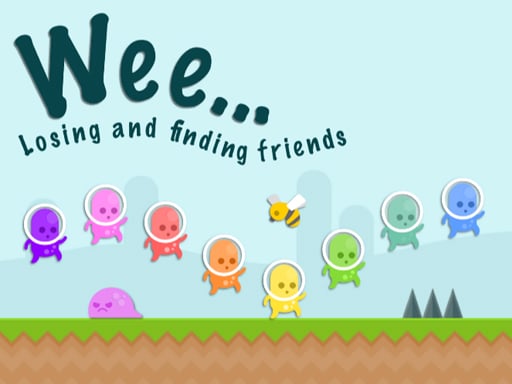
Weee...
In this game, tapping on the screen triggers actions associated with the keys K, J, H, G, F, D, and S. Each tap corresponds to a specific action or movement in the game, enhancing interaction and control for players. Tapping these designated areas can help characters jump, attack, defend, move left, move right, use special abilities, or perform other game-specific functions, making gameplay intuitive and engaging.
6,182

4.1
Aqua Dogy
Collect all badges to activate the Black Hole feature.Playable on desktop and mobile.Jump using the W key or the Arrow up key.
4,174

4.3
Salon Beauty Makeup
Click or tap on the screen to interact and progress through the game. Use these inputs to respond to in-game prompts, solve puzzles, or control character actions effectively.
4,227
4.0
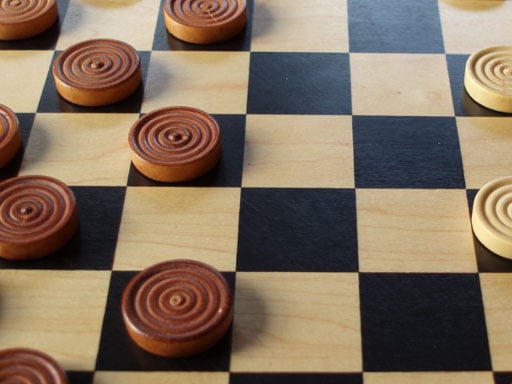
CHECKERS - Dames
To win at checkers, advance your pieces toward your opponent's side of the board. Capture pieces by jumping over them, removing them and advancing your piece to their landing spot.
6,447
4.9
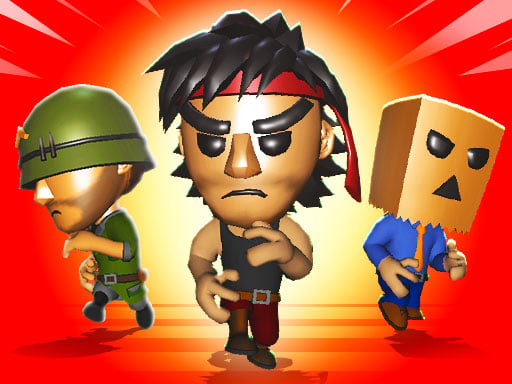
Nightmare Runners
In single-player mode, use W A S D keys for movement and SPACE to jump. For two players, player one controls with W A S D and G for jumping, while player two uses arrow keys and L to jump.
6,258

4.3
Air Hockey Glow: 2 Players
Please provide the current gameplay description so I can generate an enhanced version for you.
5,575

4.0
Xmas Rooftop Battles
In this game, players can engage by tapping on the screen for controls or utilizing the keyboard keys W, E, O, and P to perform actions such as shooting and jumping. Tapping or pressing W allows the character to jump, providing the ability to reach higher platforms or avoid obstacles. The keys E and O serve as primary shooting mechanisms, enabling players to defend against enemies or break objects. Key P might offer an additional special action like a power-up or a unique attack, enhancing gameplay strategy. This setup offers flexibility, catering to both touchscreen and keyboard users, ensuring easy navigation and engagement in the game's challenges.
3,959
4.8
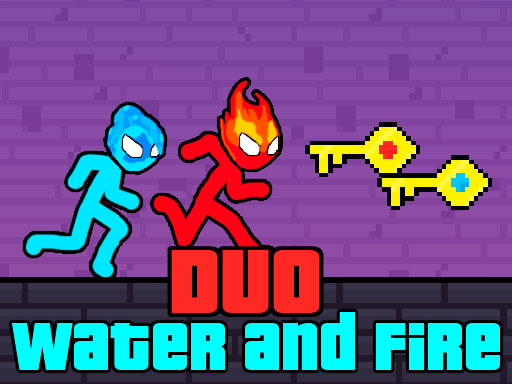
Duo Water and Fire
Move using WASD or arrow keys for double jump. On mobile, use touch controls. Red player navigates through red water freely while blue player moves seamlessly through blue water. Both players are hindered by green water, unable to pass through it.
3,803

4.1
Viking Tomahawk
Use your mouse to click and drag elements on the screen to interact with the environment and solve puzzles. Adjust your aim for precise clicks to trigger specific actions or select items. Explore by clicking on different areas to uncover hidden details and progress through levels.
5,343
4.2
Aquapark Balls Party
Players control characters using arrow keys: Player 1 with A and D or left-right arrows, Player 2 with left-right arrows.
5,747

4.6
Fish Eat Fish 2
Players use different controls: Player 1 uses W, A, S, D; Player 2 uses arrow keys; Player 3 uses a mouse with left-click for navigation and actions in the game.
4,509
4.5
Fireboy and Watergirls.IO
Navigate using AWSD keys where W moves you forward, S moves you backward, A turns you left, and D turns you right for smooth exploration and control within the game environment.
5,731
4.8
Disco Sheep
Offrez-vous une coupe unique avec Shaun le Mouton dans ce salon de coiffure hilarant. Capturez des moments amusants en teasant vos amis ou en immortalisant votre propre look unique. Partagez vos styles sur les réseaux sociaux pour un plaisir accru.
6,468

5.0
MCATLANTS
Played using WASD, arrow keys, or mobile touch controls. To throw the sword, press Q or P.
6,538